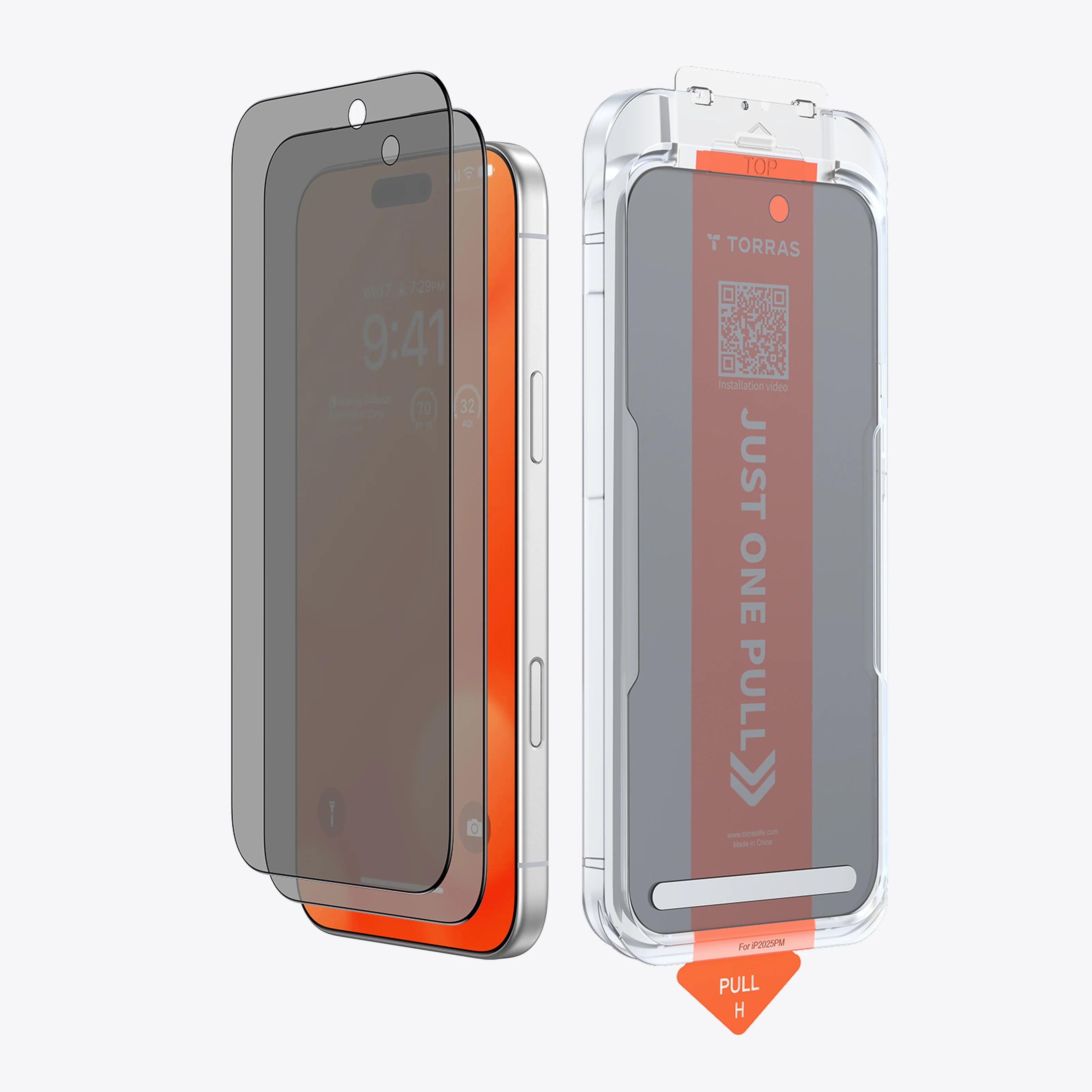
Torras UNBREAK Screen Protector for Nintendo Switch 2 2-Pack
Description User guide In the box Reviews FAQs
Liquid error (snippets/yg-image line 21): Could not find asset snippets/yg-image-alt.liquid
Torras UNBREAK Screen Protector for Nintendo Switch 2 2-Pack
Selection: Default Title
$22.99 $26.99
$4.00

Torras UNBREAK Screen Protector for Nintendo Switch 2 2-Pack

Sale price$22.99 Regular price$26.99

Key features

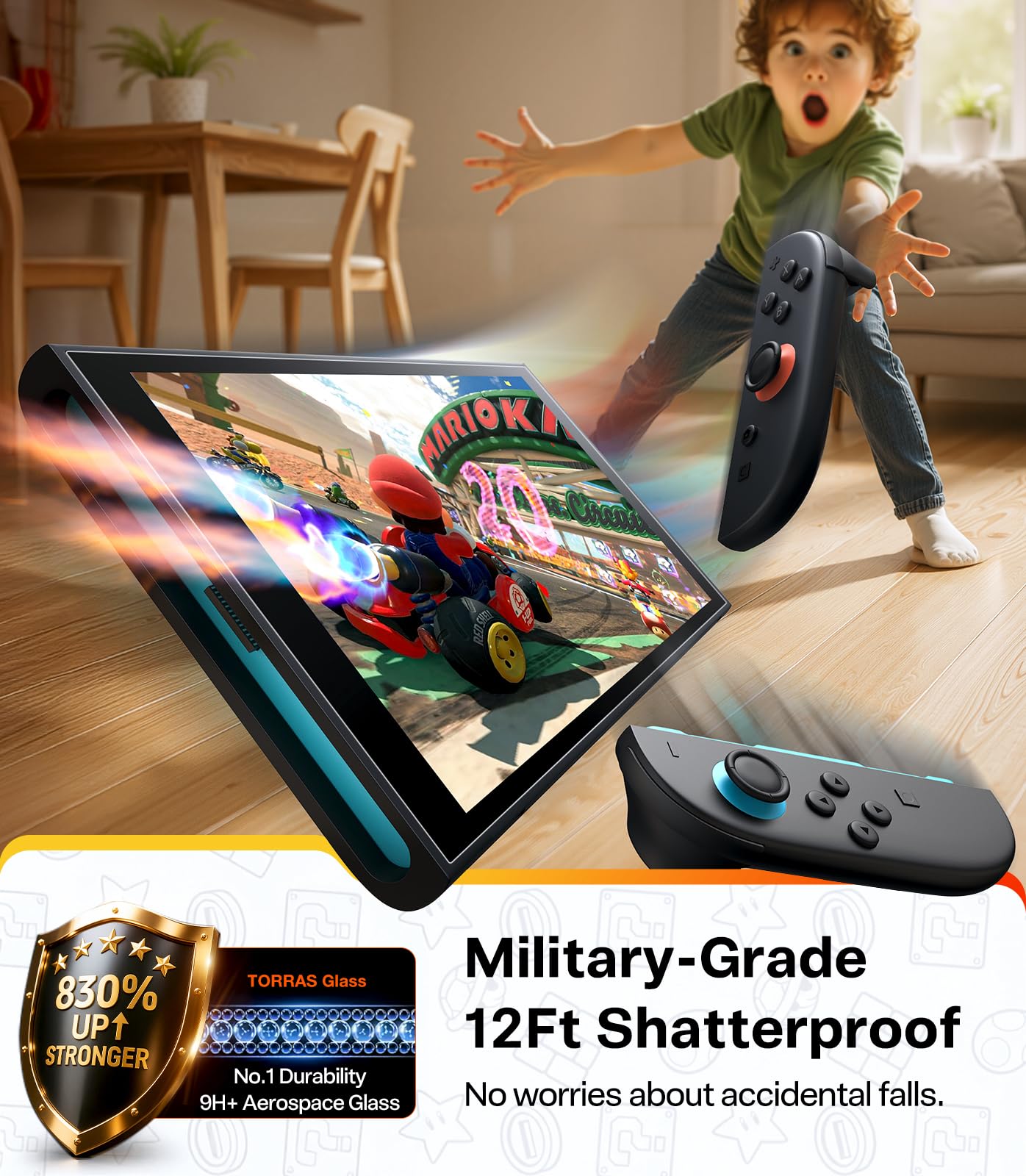
  • 12ft shatterproof protection
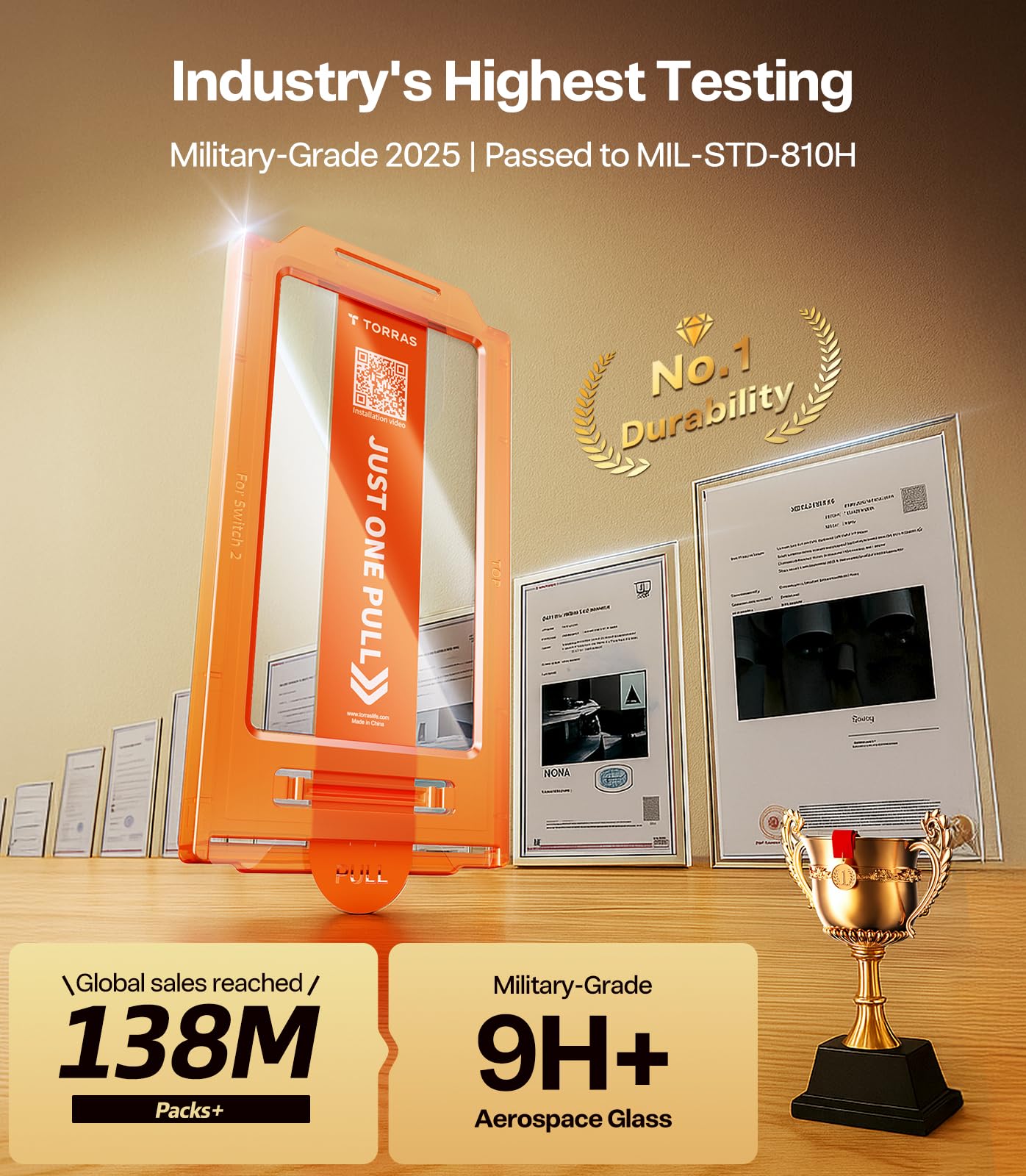
  • 9H+ aerospace tempered glass
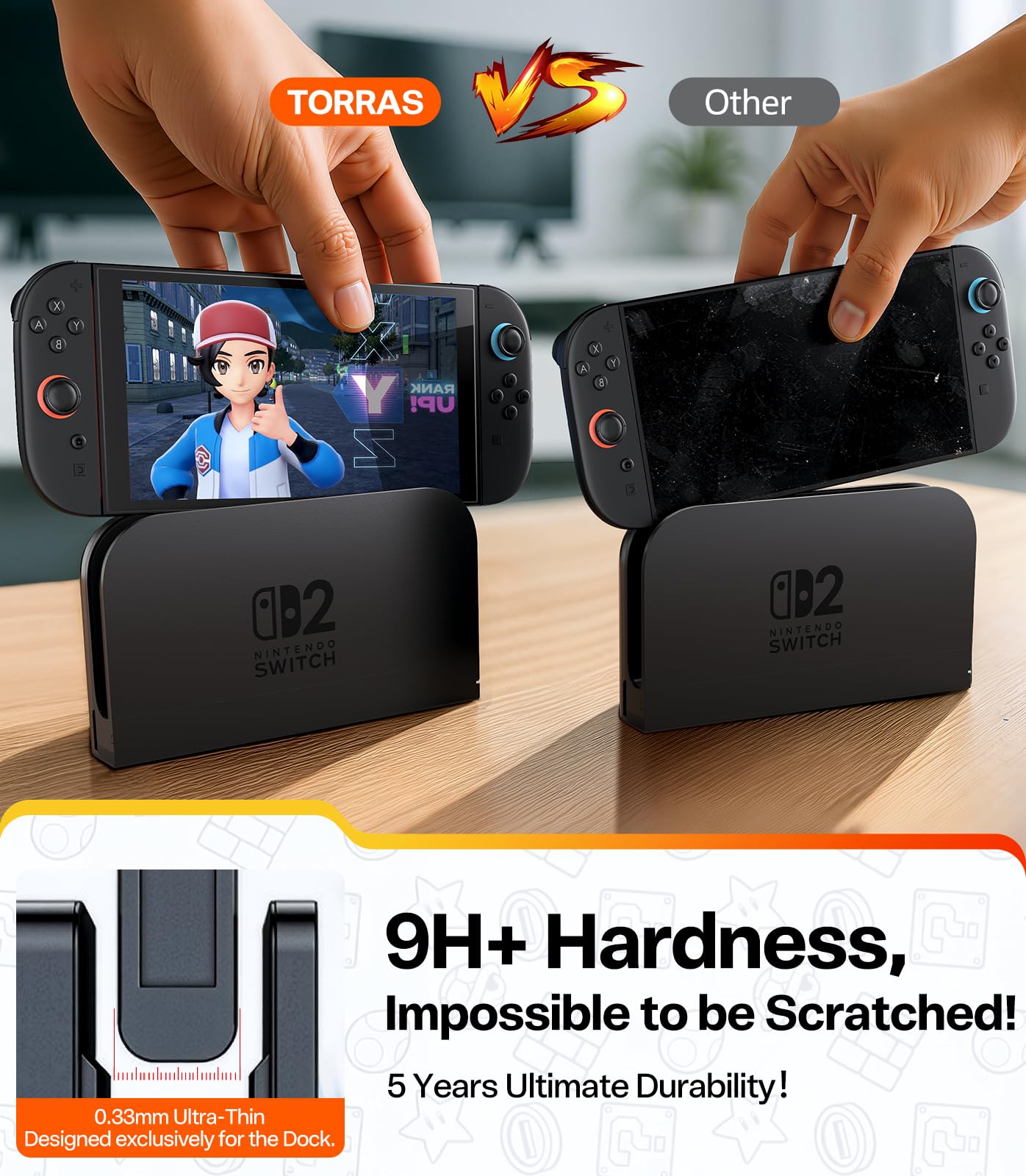
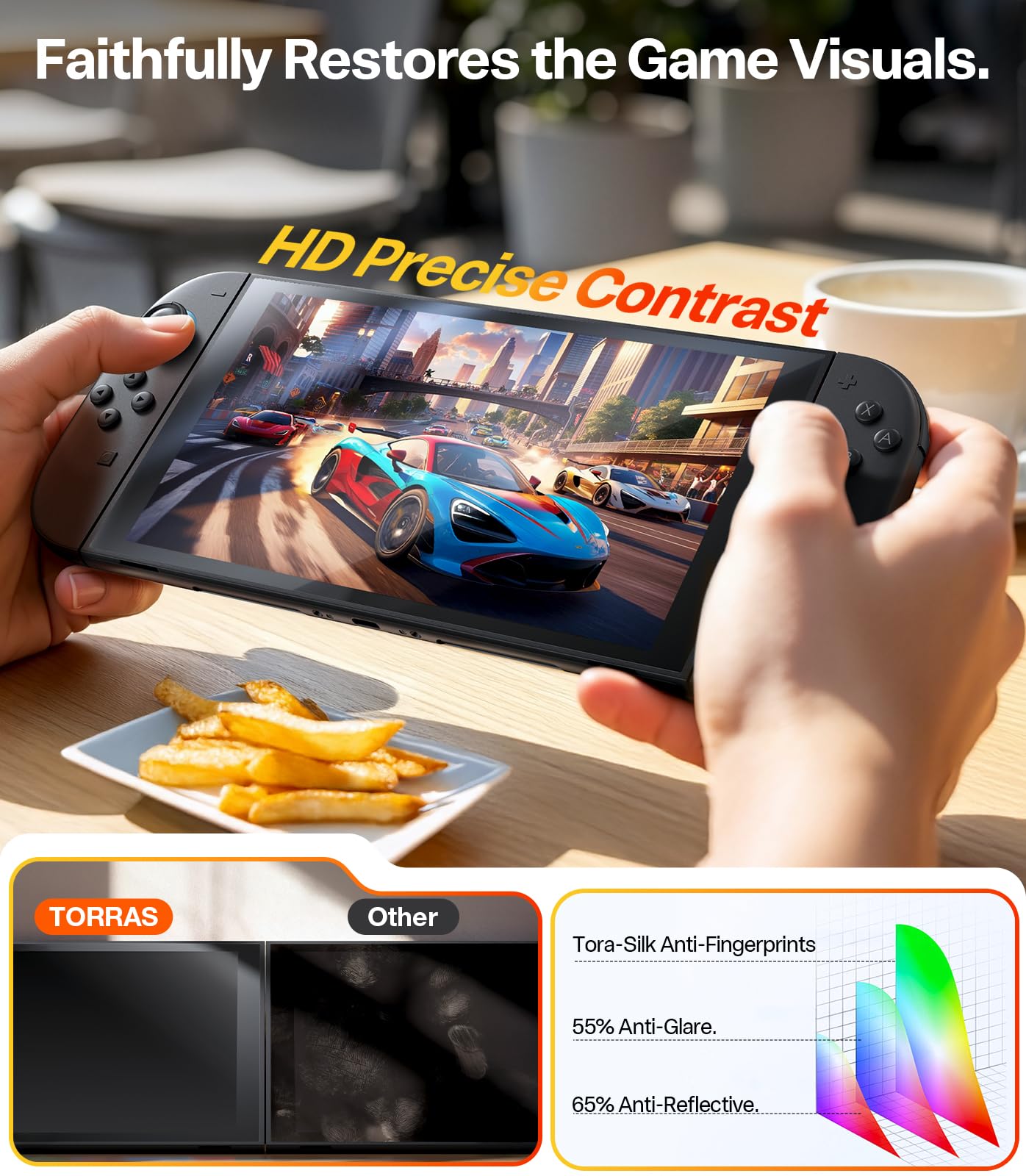
  • Anti-scratch and anti-smudge
  • Full coverage for Nintendo Switch 2
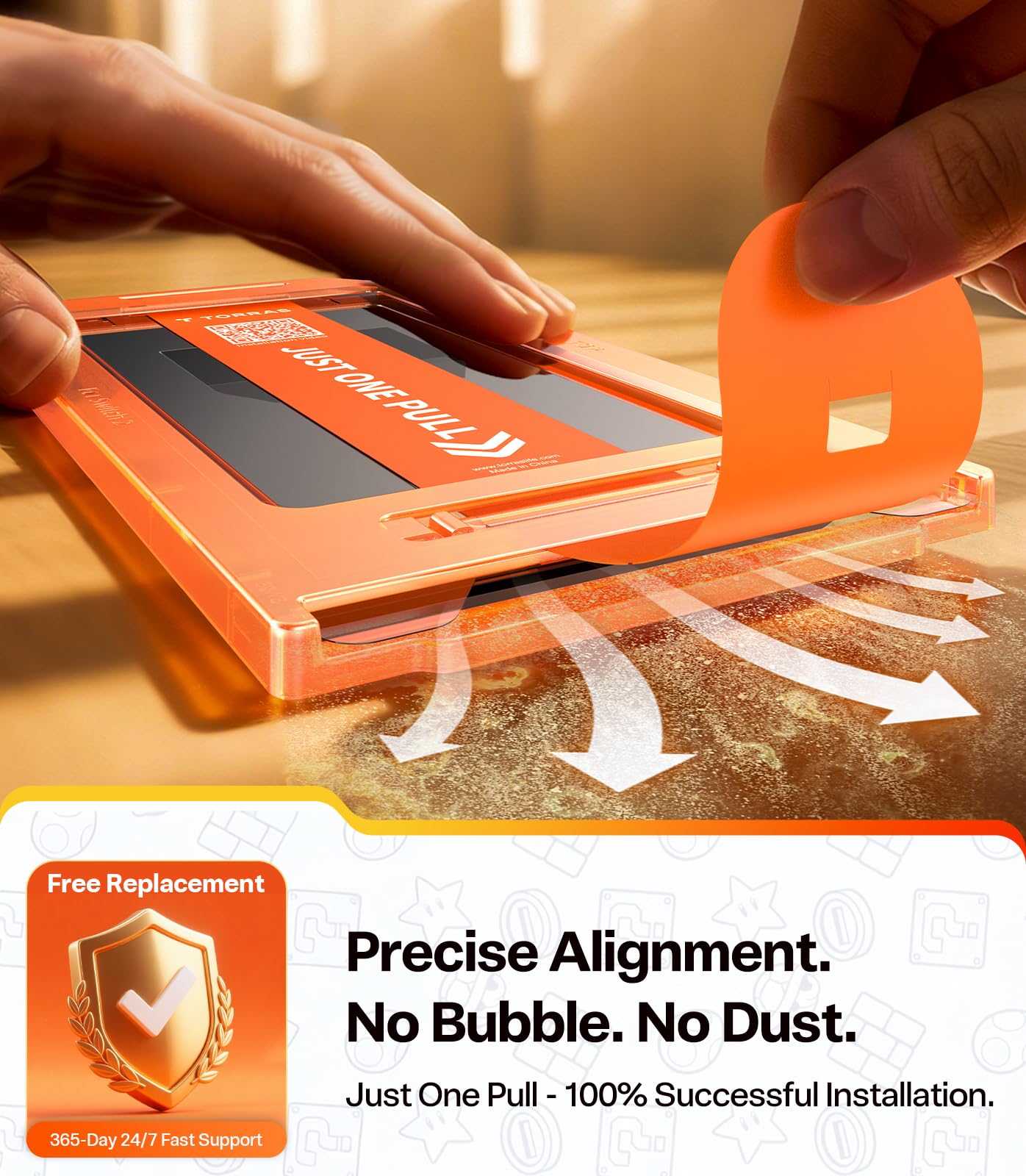
  • One-pull easy installation
  • 2-pack for extra backup


Quantity

Liquid error (snippets/yg-product-icon line 23): Could not find asset snippets/yg-image-alt.liquid

Free shipping 100+

Liquid error (snippets/yg-product-icon line 23): Could not find asset snippets/yg-image-alt.liquid

365 Days Warranty

Liquid error (snippets/yg-product-icon line 23): Could not find asset snippets/yg-image-alt.liquid

30 Days Return

Liquid error (sections/yg-slideshow line 315): Could not find asset snippets/yg-image-alt.liquid

Easy For Your "GO"

A Film That Provides All-Around Protection

We test beyond limits in the TORRAS Lab. Because your "oops" moments happen in the real world.

Liquid error (snippets/yg-image line 21): Could not find asset snippets/yg-image-alt.liquid
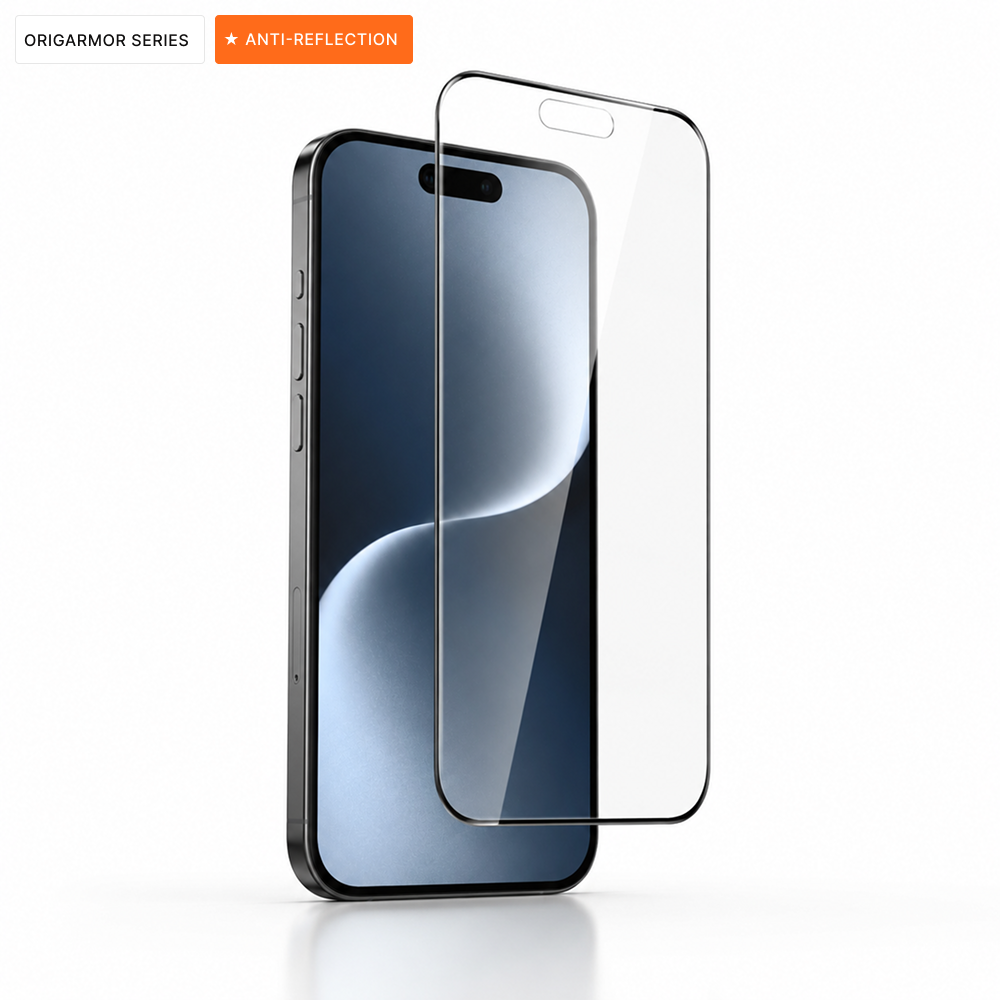
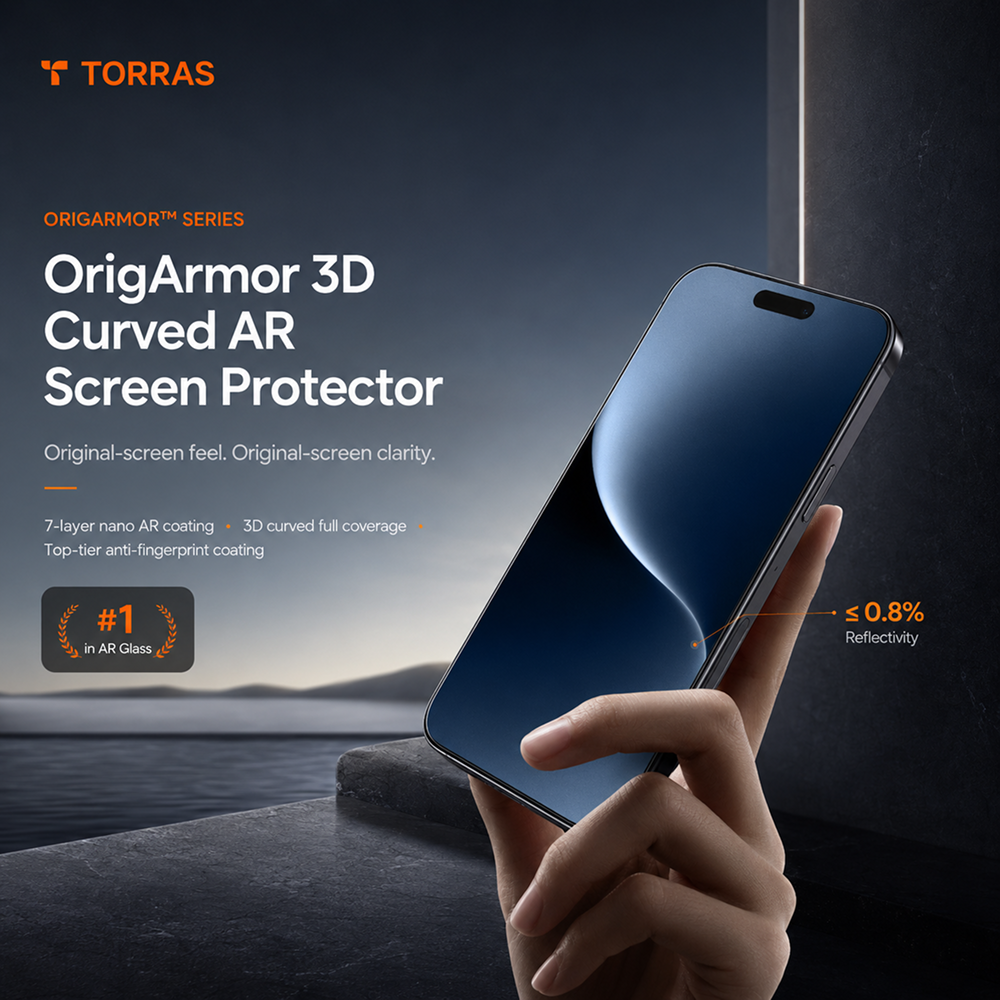
Anti-Reflection
See Everything, without the Glare
Liquid error (snippets/yg-image line 21): Could not find asset snippets/yg-image-alt.liquid
3D Full-Coverage Curved Edge
Perfect fit for iPhone 17's curved edges, covering 100% of your screen with no gaps, no dust, no white edges. Seamless fit make you feel nothing
Liquid error (snippets/yg-image line 21): Could not find asset snippets/yg-image-alt.liquid
360° Scratch & Drop Protection.
Superior drop and scratch defense. Zero risk of shattered edges.
Liquid error (snippets/yg-image line 21): Could not find asset snippets/yg-image-alt.liquid
Anti-Reflection
See Everything, without the Glare
Liquid error (snippets/yg-image line 21): Could not find asset snippets/yg-image-alt.liquid
3D Full-Coverage Curved Edge
Perfect fit for iPhone 17's curved edges, covering 100% of your screen with no gaps, no dust, no white edges. Seamless fit make you feel nothing
Liquid error (snippets/yg-image line 21): Could not find asset snippets/yg-image-alt.liquid
360° Scratch & Drop Protection.
Superior drop and scratch defense. Zero risk of shattered edges.
Liquid error (sections/yg-slideshow line 315): Could not find asset snippets/yg-image-alt.liquid

Ultra-Sensitive
 Touch Control

At an incredible 0.71mm thin. Every tap, swipe, and scroll feels as natural and precise as the original screen.

Liquid error (sections/yg-slideshow line 315): Could not find asset snippets/yg-image-alt.liquid

Ultra-Sensitive
Touch Control

At an incredible 0.71mm thin. Every tap, swipe, and scroll feels as natural and precise as the original screen.

Effect Comparison

Liquid error (snippets/yg-image line 21): Could not find asset snippets/yg-image-alt.liquid
Before
Liquid error (snippets/yg-image line 21): Could not find asset snippets/yg-image-alt.liquid
After

Ready to Install

We test beyond limits in the TORRAS Lab. Because your "oops" moments happen in the real world.

Liquid error (snippets/yg-image line 21): Could not find asset snippets/yg-image-alt.liquid
Liquid error (snippets/yg-image line 21): Could not find asset snippets/yg-image-alt.liquidLiquid error (snippets/yg-image line 25): Could not find asset snippets/yg-image-alt.liquid

Step 1

Clean

Liquid error (snippets/yg-image line 21): Could not find asset snippets/yg-image-alt.liquid

Step 2

Cover the installer

Liquid error (snippets/yg-image line 21): Could not find asset snippets/yg-image-alt.liquid

Step 3

Pull out

Liquid error (snippets/yg-image line 21): Could not find asset snippets/yg-image-alt.liquid

Step 4

Remove the installer

Liquid error (snippets/yg-image line 21): Could not find asset snippets/yg-image-alt.liquidLiquid error (snippets/yg-image line 25): Could not find asset snippets/yg-image-alt.liquid

Step 1

Clean

Liquid error (snippets/yg-image line 21): Could not find asset snippets/yg-image-alt.liquid

Step 2

Cover the installer

Liquid error (snippets/yg-image line 21): Could not find asset snippets/yg-image-alt.liquid

Step 3

Pull out

Liquid error (snippets/yg-image line 21): Could not find asset snippets/yg-image-alt.liquid

Step 4

Remove the installer

What's in box (4)
What's in box (4)
  • Glass screen protector x 2
  • Cleaning wipes x 2
  • Screen Protector Installer x 1
  • Installation Manual x 1
Liquid error (sections/yg-what-in-box line 78): Could not find asset snippets/yg-image-alt.liquid
  • Glass screen protector x 2
  • Cleaning wipes x 2
  • Screen Protector Installer x 1
  • Installation Manual x 1

Didn't find your answer?

Still have questions? Contact us 123@torraslife.com

Why won't it stick to metal sometimes?

Our magnetic products are designed to attach securely to compatible magnetic surfaces. If it's not sticking, it might be because the metal surface is not magnetic (such as aluminum or certain types of stainless steel). Additionally, dirt, dust, or an uneven surface can weaken the magnetic pull. For the best experience, please ensure the surface is clean, flat, and made of magnetic-friendly metal.

Why does the color look different?

We strive to display our product colors as accurately as possible. However, the actual color you see can vary slightly depending on your monitor or screen settings, as well as the lighting environment (natural sunlight vs. indoor artificial light) where you are using the product. Minor variations can also occur between different production batches.

Why does it feel slippery at first?

Brand new products often feature a microscopic protective factory coating or a special oleophobic layer designed to resist fingerprints and scratches during transit. This initial slippery feeling is completely normal and will naturally wear off after a few days of regular use, leaving you with a comfortable and secure grip.

Why won't it stick to metal sometimes

A strong magnetic hold requires optimal contact. If you are using a regular, non-magnetic phone case, its thickness can significantly weaken the magnetic attraction. For the most secure hold, we highly recommend attaching it directly to a bare phone or pairing it with our specially designed MagSafe-co

Recommended

Liquid error (snippets/product-card line 142): Could not find asset snippets/yg-image-alt.liquid
Liquid error (sections/yg-swiper-box-icon line 142): Could not find asset snippets/yg-image-alt.liquid

Free shipping

Always free standard shipping

Liquid error (sections/yg-swiper-box-icon line 142): Could not find asset snippets/yg-image-alt.liquid

Customer service

Contact us anytime at glass@torraslife.com.

Liquid error (sections/yg-swiper-box-icon line 142): Could not find asset snippets/yg-image-alt.liquid

Secure payment

Fast & secure checkout